


Remove background
The subject is cleanly cut out and placed on a clear white background – ideal for products and shops.
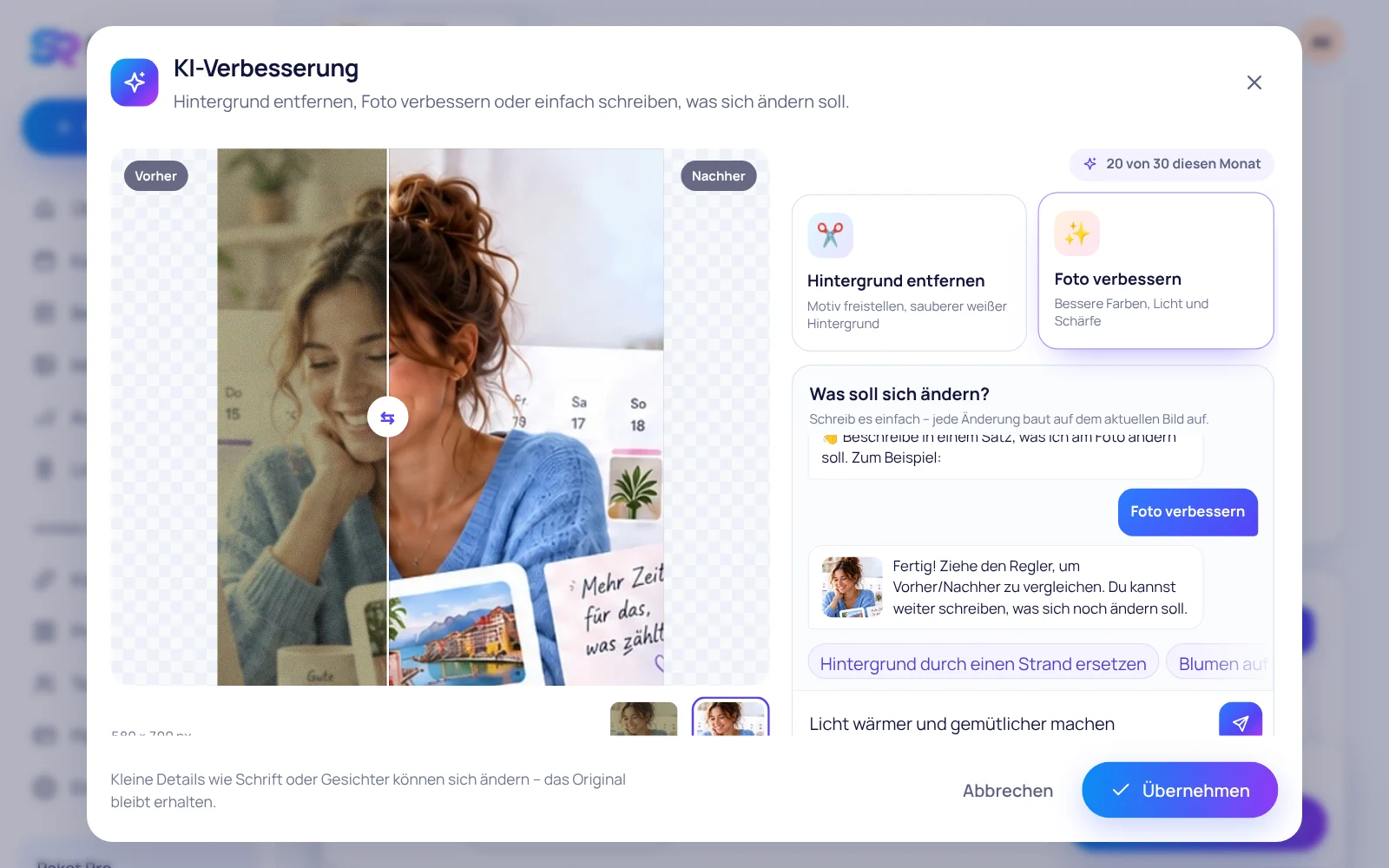
Click “✨ AI” right on the photo in your post: remove the background, improve colours and light – or simply write what should change. With before/after comparison.
The subject is cleanly cut out and placed on a clear white background – ideal for products and shops.
Better colours, light, contrast and sharpness in one click – the image keeps its original size.
“Flowers on the table”, “beach in the background”, “warmer light” – the AI does it, step by step.
With the slider you compare every version with the original. All intermediate steps are kept – you pick the best one and add it to your post with one click.
That depends on your plan. You see your quota right in the AI enhance window; it renews on the first of each month.
The AI creates a new version of your photo. Small details such as lettering or faces may change slightly – your original is always kept.
In any language – German, English or Spanish. We translate your request for the AI automatically.
Sign up for free, upload a photo, click “✨ AI” – done.
Start for free